
Your free practice resources
Everything you need to write your first calligraphy word in Procreate
Download the brush and workbook directly to your iPad, then keep building your skills with the free workshop.
Open this page on the iPad and have Procreate installed

01
Download your iPad Calligraphy Brush
This is the pressure-sensitive brush used in the video. Tap the button on your iPad and Procreate will guide you through the import.
Download the brush Procreate must already be installed on your iPad.
02
Download your First Word workbook
Open the layered practice workbook in Procreate and follow the guides to practise the strokes and write "hello" again at your own pace.
Download the workbook The blank practice layers are ready for you to write on.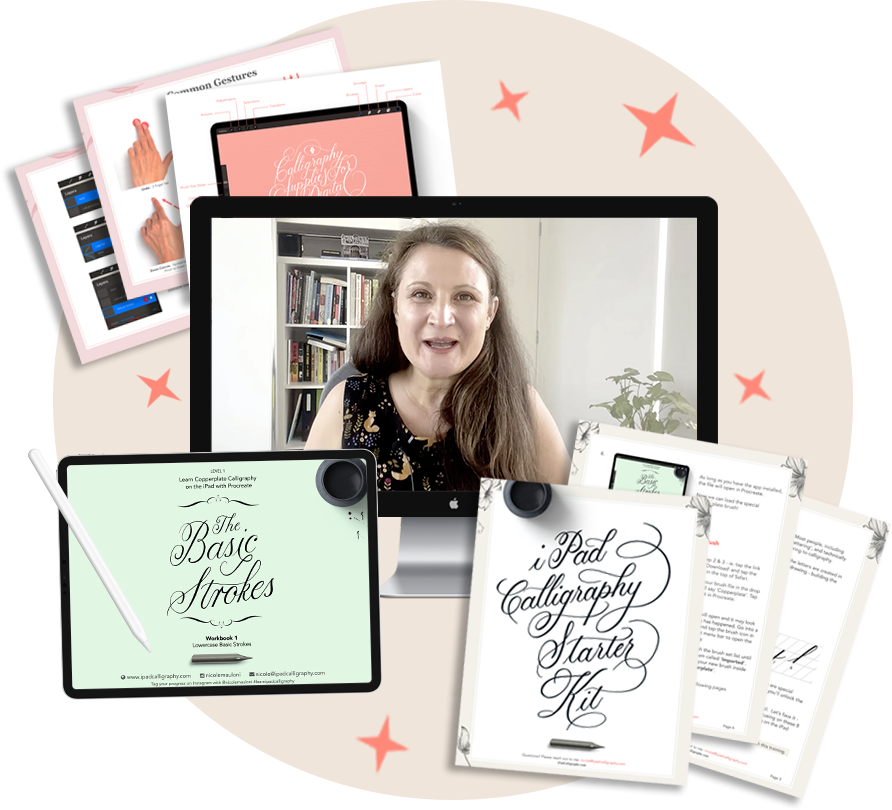
03
Your next step
Continue with my free 45 minute workshop
You've already written your first word. Now let's build the skills behind it.
- See how basic strokes become complete letters
- Create more consistent thin and thick strokes
- Know exactly what to practise next